Time & finance / Projects & billing
Make the work easier to account for.
Organise clients, project work, billable time, invoices and client visibility in a workspace tailored to your commercial model.
The everyday friction
Where work gets
disconnected.
Project records and time entries are disconnected.
Multiple billing entities complicate invoice preparation.
Clients need progress visibility without internal financial notes.
An illustrative workflow
Projects & billing
in practice.
No invented customer results. This example shows the process to discuss.
Open the full walkthrough ↗A qualified project receives an agreed fee and billing entity.
The team records work and time against the project.
The owner reviews what is billable before preparing an invoice.
The client sees the agreed project information through a scoped portal.
Capability catalogue
The details behind
the workflow.
The following capabilities were identified in the existing source system. Your proposal defines the included edition, configuration and tested integrations.
Commercial records
- Client directory
- Potential leads
- Sales pipeline
- Projects and sections
- Task records and comments
- User management
Work capture
- Time-entry records
- Ingest batch tracking
- Task and project dashboards
- Reports
- Project assignment
Invoicing
- Separate billing entities
- Invoice headers and line items
- Invoice print views
- Public token invoice pages
- Stripe payment routes
- Stripe event records
Client portal
- Client profile
- Assigned projects
- Task detail
- Client invoice views
- File records
- Explicit client-project links
Communication
- Email adapter
- Email opt-out records
- Unsubscribe page
- Identity callback
- Administrative management screens
See the shape of it
A clearer conversation
starts with context.
Source workflows include project records, work capture, invoice line items and client visibility.
View the illustrative workflow ↗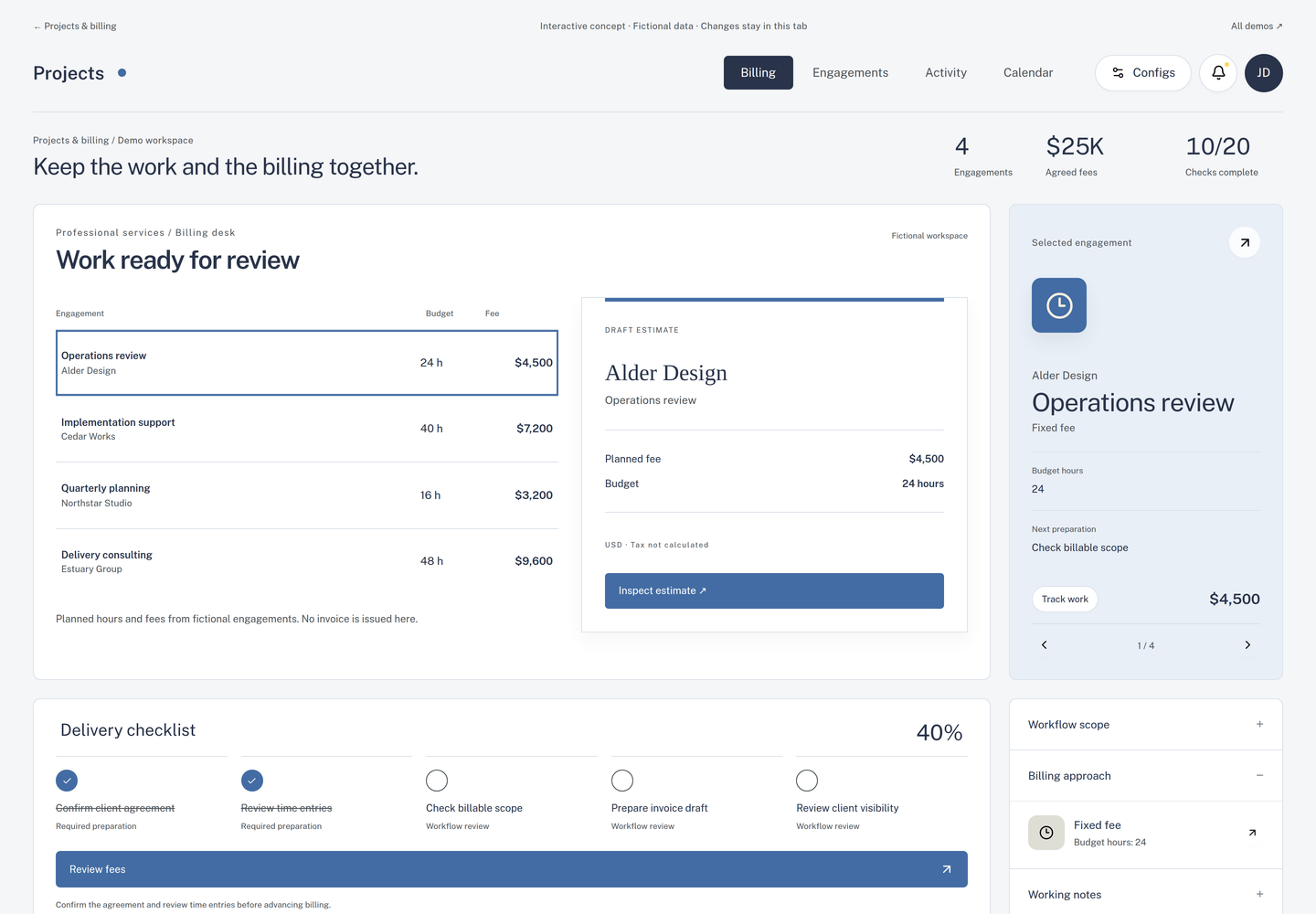
Implementation & fit
Define your version
before rollout.
Provider connections, tax treatment, commissions and invoicing rules are defined before implementation.
When another tool may be a better fit
A team that only needs a stopwatch, or requires a complete statutory accounting system.
Useful success measures
- Billable hours not invoiced
- Project effective hourly rate
- Days to payment
- Client access exceptions
Measures to agree and establish a baseline for; no performance result is promised.
Common questions
Before we talk.
Can I sign up and use every feature immediately?
These are configured implementations. We first agree the edition, scope and required integrations. The catalogue describes source capabilities, rather than an instant subscription entitlement.
Can this use my branding?
Branding, domain, user access and customer data boundaries can form part of the implementation brief. We confirm what is supported and test it for the agreed edition.
What should I bring to the first conversation?
Do you bill fixed fees, time, retainers, commissions or a combination? A short description is enough to begin; please do not send customer records or credentials.