Time & finance / Financial review workspace
Bring the transaction review into focus.
A tailored workspace for account mapping, transaction categorisation, reconciliation and management-level financial views.
The everyday friction
Where work gets
disconnected.
Transactions need context before they can be categorised.
Review work is separated from account-level reporting.
Exceptions are difficult to track through reconciliation.
An illustrative workflow
Financial review workspace
in practice.
No invented customer results. This example shows the process to discuss.
Open the full walkthrough ↗A reviewer loads synthetic transactions and checks account mappings.
Unclear entries are reviewed and categorised.
A statement is compared with the recorded activity.
Management reviews a cash-flow view with the remaining exceptions visible.
Capability catalogue
The details behind
the workflow.
The following capabilities were identified in the existing source system. Your proposal defines the included edition, configuration and tested integrations.
Transactions
- Account records
- Transaction list and edits
- Bulk transaction actions
- Categories
- Vendor-related ledger model
- Apple Card import handler
Bank connection code
- Plaid Link token and exchange
- Account mapping
- Transaction synchronisation
- Refresh and webhook routes
- Review and promote workflow
- Reauthentication handling
Finance views
- Profit and loss
- Cash flow
- Receivables
- Debt
- Payouts
- Subscriptions
- Reconciliation
Review controls
- Audit screen
- Ledger audit schema
- MFA enrolment and challenge
- Tax and 1099 worksheet screens
- Retention and provider-rollout documentation
See the shape of it
A clearer conversation
starts with context.
The source contains transaction, finance-view and bank-connection code. Financial outputs require acceptance against the customer’s accounting rules.
View the illustrative workflow ↗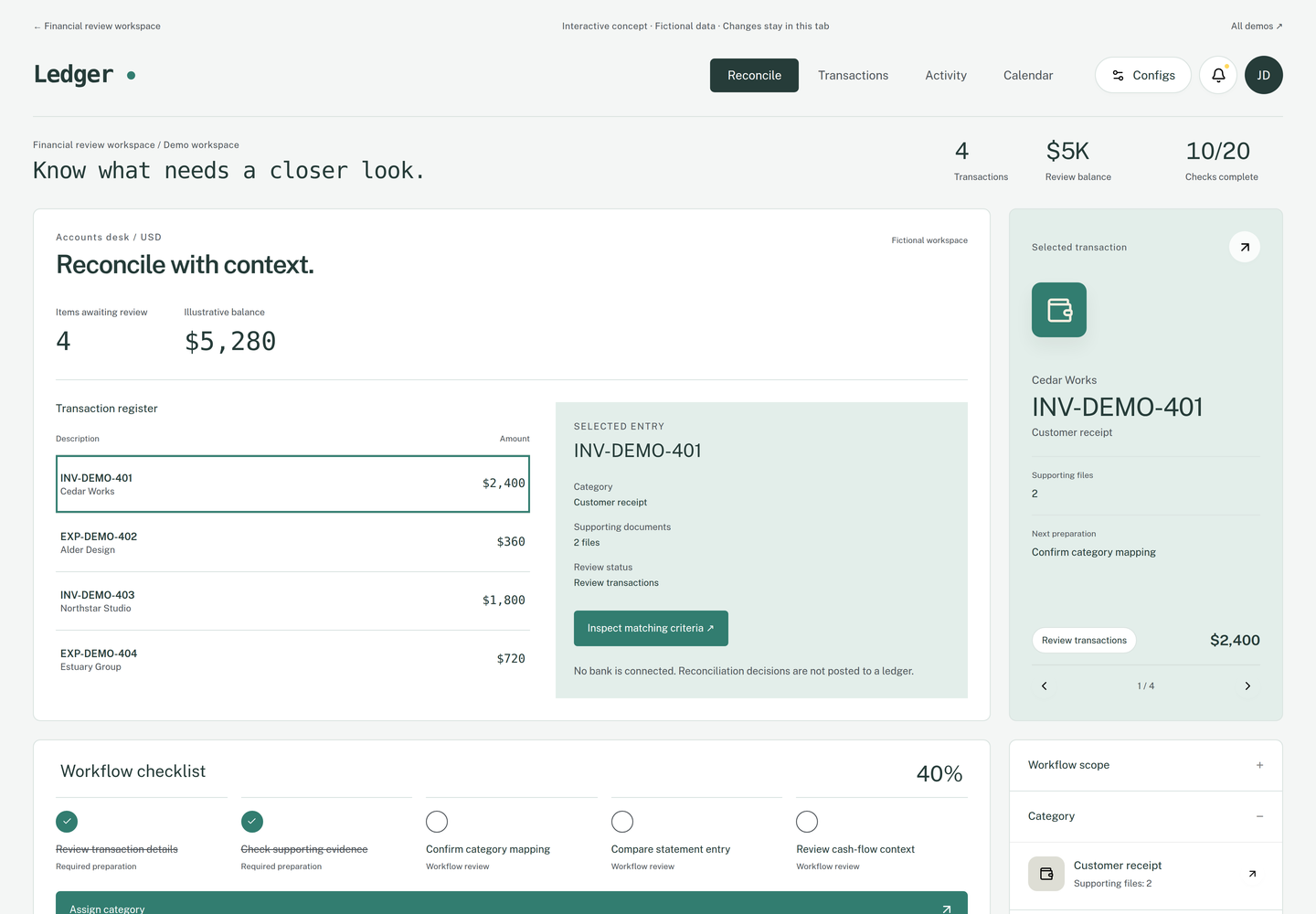
Implementation & fit
Define your version
before rollout.
Bank access, accounting treatment, tax calculations and jurisdiction-specific reporting are assessed separately.
When another tool may be a better fit
Businesses seeking a certified tax-filing product or a complete replacement for Xero or QuickBooks.
Useful success measures
- Uncategorised transactions
- Reconciliation differences
- Duplicate imported records
- Time to monthly review
Measures to agree and establish a baseline for; no performance result is promised.
Common questions
Before we talk.
Can I sign up and use every feature immediately?
These are configured implementations. We first agree the edition, scope and required integrations. The catalogue describes source capabilities, rather than an instant subscription entitlement.
Can this use my branding?
Branding, domain, user access and customer data boundaries can form part of the implementation brief. We confirm what is supported and test it for the agreed edition.
What should I bring to the first conversation?
Which transaction review or reconciliation task is missing from your current setup? A short description is enough to begin; please do not send customer records or credentials.