Sales & client work / Specialist field sales
Arrive with the account context. Leave with a next step.
A facility-first workspace for specialist representatives managing access, relationships and product evaluations.
The everyday friction
Where work gets
disconnected.
Facility access requirements are discovered too late.
The local champion and buying process live in a rep’s memory.
Evaluations lose momentum between visits.
An illustrative workflow
Specialist field sales
in practice.
No invented customer results. This example shows the process to discuss.
Open the full walkthrough ↗A rep reviews the facility, its parent organisation and access status.
The account’s champion, product interest and prior conversations guide the visit.
A demonstration becomes a recorded evaluation with a follow-up date.
The manager reviews the next steps across the territory.
Capability catalogue
The details behind
the workflow.
The following capabilities were identified in the existing source system. Your proposal defines the included edition, configuration and tested integrations.
Facility records
- Facility-first accounts
- Parent health-system relationships
- Facility type and territory fields
- Tier and warmth classification
- Contacts and internal champions
- Geographic coordinates
Access preparation
- Credentialing system and status
- Renewal dates
- Credential checklist fields
- Conflict flags
- Off-limits and disclosure-required classifications
Field pipeline
- Identify-to-reorder stages
- Product interest records
- Calls, visits and sample-drop activities
- In-service scheduling and outcomes
- Evaluation outcomes
- Next action and due date
Daily usability
- Territory screen
- Weekly planning screen
- Account brief
- Credentialing screen
- Assistant today/search/brief APIs
- Activity logging API
Scope controls
- Admin and rep roles
- Separate assistant credential
- Password hashing and signed-session code
- No-patient-data UI reminders
See the shape of it
A clearer conversation
starts with context.
Source capabilities focus on facility context, access preparation and evaluation stages.
View the illustrative workflow ↗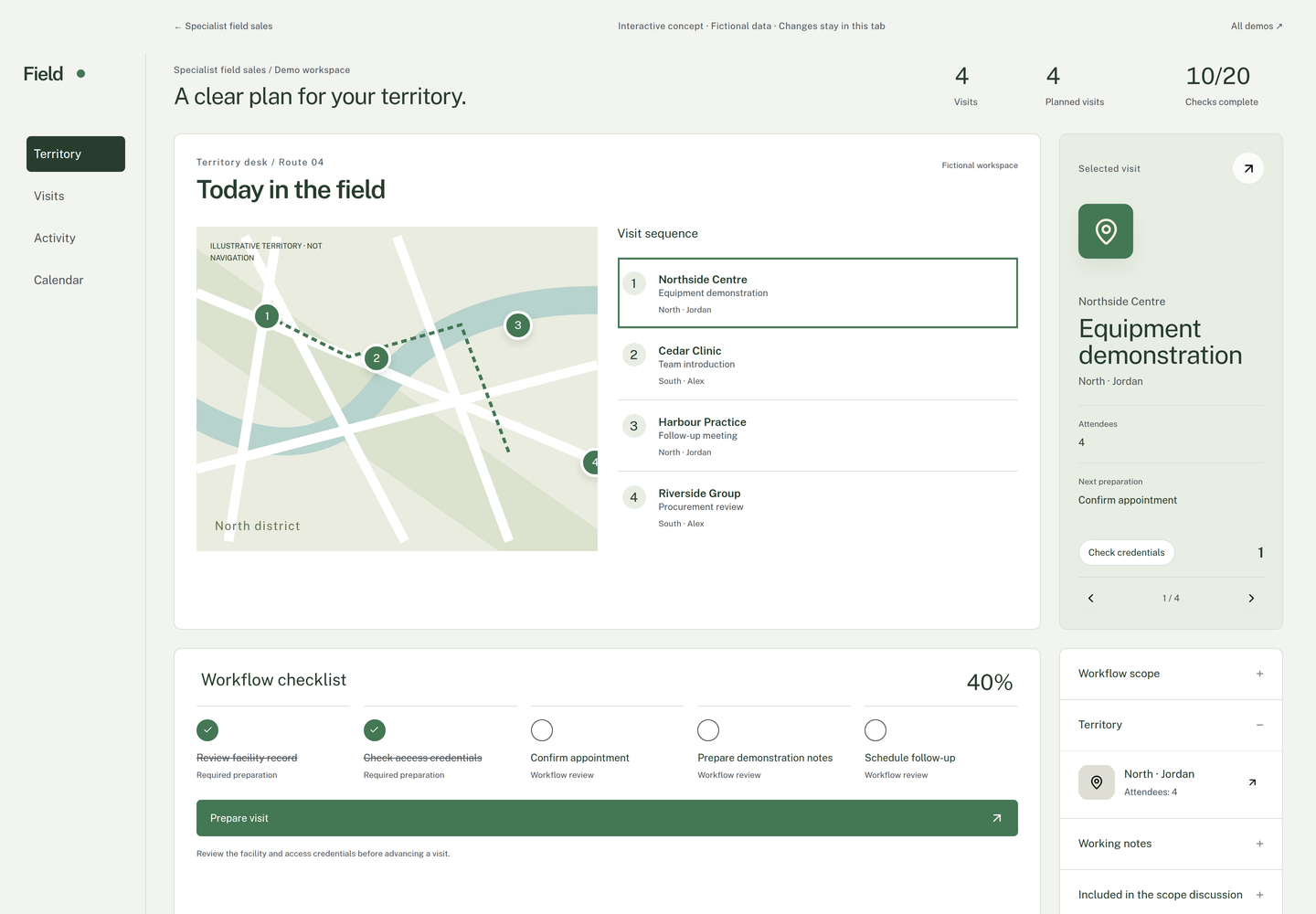
Implementation & fit
Define your version
before rollout.
Scope is commercial field-sales administration. Clinical records, route optimisation and offline capability are not assumed.
When another tool may be a better fit
Teams whose main requirement is turn-by-turn route optimisation or an offline native mobile app.
Useful success measures
- Overdue facility follow-ups
- Credential renewals missed
- Evaluations advancing to orders
- Visits with recorded next actions
Measures to agree and establish a baseline for; no performance result is promised.
Common questions
Before we talk.
Can I sign up and use every feature immediately?
These are configured implementations. We first agree the edition, scope and required integrations. The catalogue describes source capabilities, rather than an instant subscription entitlement.
Can this use my branding?
Branding, domain, user access and customer data boundaries can form part of the implementation brief. We confirm what is supported and test it for the agreed edition.
What should I bring to the first conversation?
Which access requirements and evaluation steps must every rep track? A short description is enough to begin; please do not send customer records or credentials.